

Local SEO in the Age of AI: How to Get Recommended for "Near Me" Searches
 Catalin Dinca
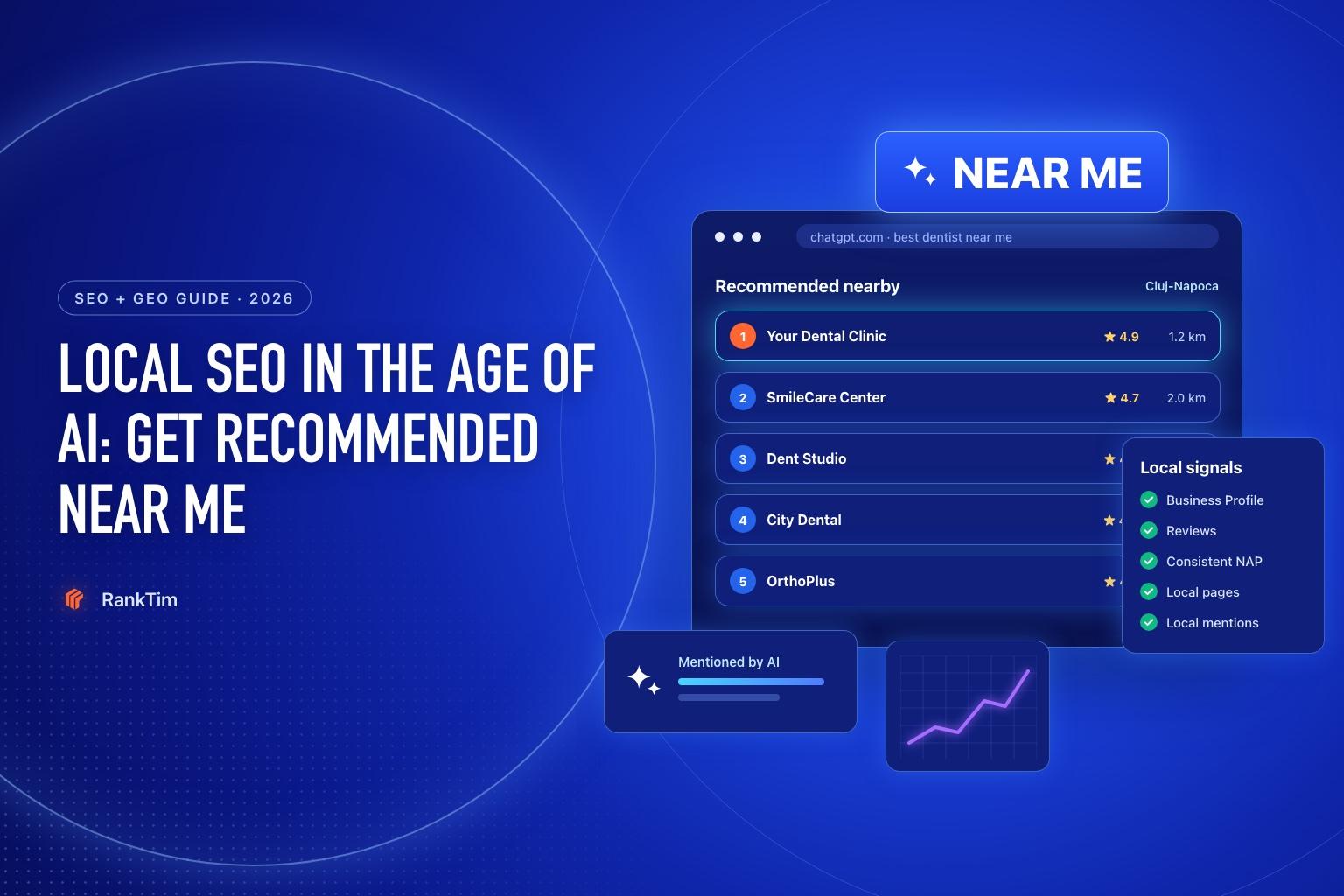
Local search used to be a map with ten pins. Now it is increasingly a conversation. Someone asks "which dentist in Cluj is good with anxious patients and open on Saturdays?" and gets a short answer with three names, a few reasons and maybe a link.
If your business is one of those names, you just won a customer who never compared ten websites. If it isn't, you didn't lose a ranking position. You didn't exist.
The good news for local businesses: AI assistants lean heavily on the same signals that already drive local SEO, plus what the rest of the web says about you. This guide shows how to strengthen both.
How Local Recommendations Are Decided
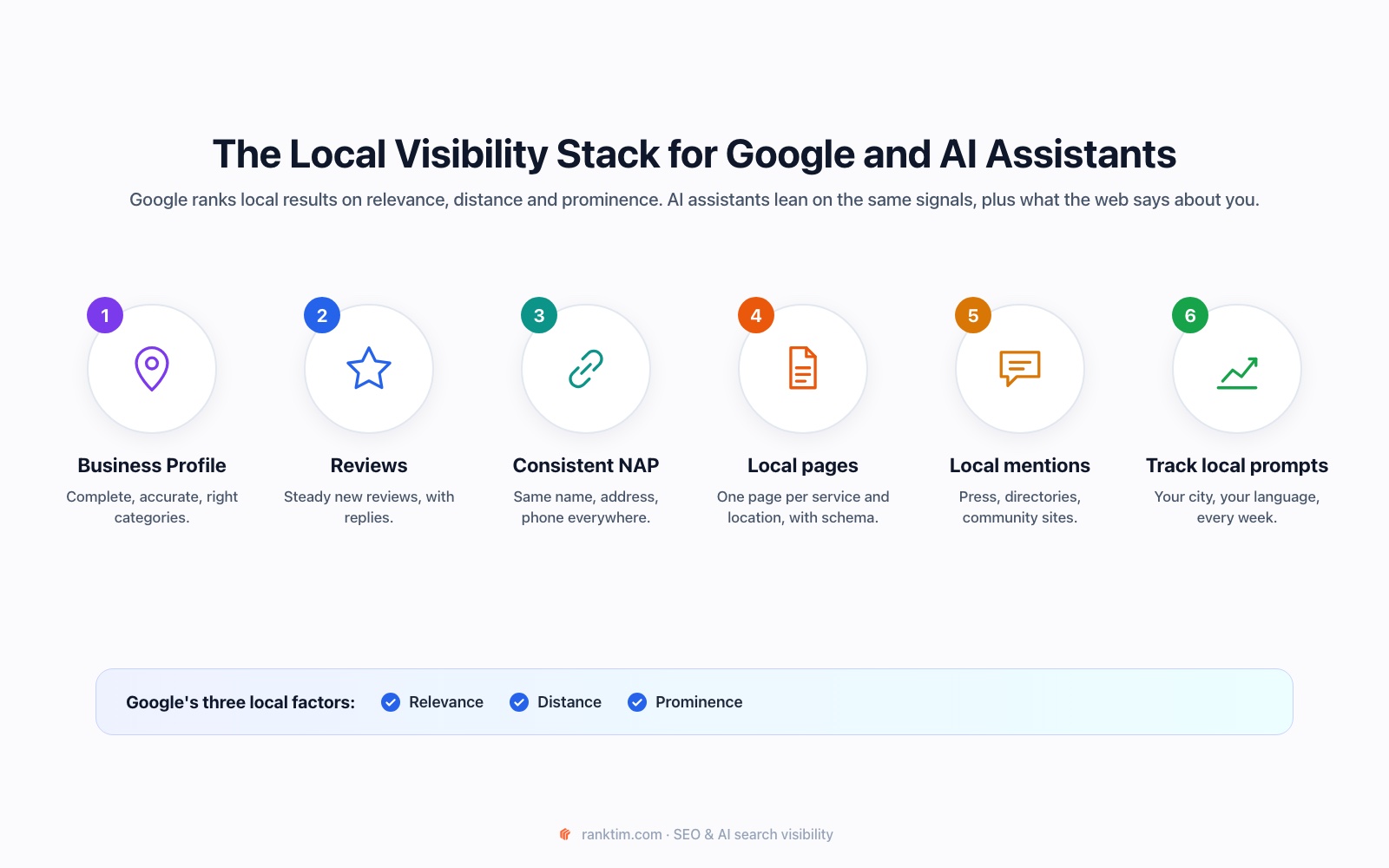
Google states that local results are based mainly on three factors:
- Relevance: how well your business profile matches what the person is looking for.
- Distance: how far you are from the location used in the search.
- Prominence: how well known your business is, based on information from across the web, including links, articles, directories and your review count and rating.
AI assistants answering "near me" questions draw on similar inputs: map and business listings, review platforms, local directories, news and community sites, and your own website. The more of these sources describe you consistently and positively, the more likely you are to be named.
Step 1: Make Your Google Business Profile Complete and Accurate
Your Business Profile is the single most important local asset, for Google Maps, the local pack, AI Overviews and assistants that use Google data.
- Primary category: choose the most specific one that fits ("Pediatric dentist", not just "Dentist", if that's what you are). Add secondary categories for other real services.
- Services and products: list them with short descriptions and, where possible, prices.
- Hours: keep regular and holiday hours current. Wrong hours are one of the fastest ways to lose trust.
- Attributes: accessibility, payment methods, parking, languages spoken. These answer exactly the specific questions people now ask AI.
- Photos: real photos of the location, team and work, updated regularly.
- Description: what you do, for whom and where, in plain words.
Then claim the equivalents elsewhere: Bing Places (Bing's index feeds Copilot and other assistants) and Apple Business Connect (Apple Maps and Siri).
Step 2: Build a Steady Review System
Google explicitly lists review count and rating as part of prominence, and reviews are one of the main sources AI assistants quote when explaining why they recommend a business.
- Ask every satisfied customer, at the moment of satisfaction: after the appointment, the delivery or the finished project. A short link or QR code works better than a generic request.
- Aim for consistency, not bursts. A steady flow of recent reviews is more credible than fifty in one week.
- Reply to every review, including negative ones, factually and politely. Replies show that the business is active and often answer questions future customers have.
- Encourage detail. Reviews that mention the specific service ("teeth whitening", "emergency appointment") help you show up for those specific questions.
Never buy reviews or offer incentives for positive ones. It violates platform policies and is easy for both platforms and readers to spot.
Step 3: Keep Your Business Data Identical Everywhere
NAP stands for name, address, phone. When these differ between your website, Google, Facebook, directories and maps, systems have to guess which version is correct.
- Pick one canonical version of your name, address and phone number.
- Use it on your website (footer and contact page), Google, Bing, Apple, Facebook, Instagram and the main directories in your country and industry.
- Fix old listings with outdated addresses or numbers, especially after a move.
Step 4: Create Local Pages and Add LocalBusiness Schema
AI assistants answer specific questions: prices, opening hours on Saturdays, whether you treat children, how long a service takes. Your website should answer those questions clearly, one page per main service and per location.
- One page per service with what it includes, typical price range, duration and who it's for.
- One page per location if you have several, with address, directions, parking, hours and photos. Avoid near-identical "city pages" with only the city name changed.
- An FAQ section with the real questions customers ask on the phone.
Then add LocalBusiness schema (or a more specific type, like Dentist or Restaurant) in the server-rendered HTML:
<script type="application/ld+json">
{
  "@context": "https://schema.org",
  "@type": "Dentist",
  "@id": "https://yourclinic.com/#business",
  "name": "Your Dental Clinic",
  "url": "https://yourclinic.com",
  "telephone": "+40 264 000 000",
  "address": {
    "@type": "PostalAddress",
    "streetAddress": "Strada Exemplu 10",
    "addressLocality": "Cluj-Napoca",
    "postalCode": "400000",
    "addressCountry": "RO"
  },
  "geo": { "@type": "GeoCoordinates", "latitude": 46.7712, "longitude": 23.6236 },
  "openingHoursSpecification": [{
    "@type": "OpeningHoursSpecification",
    "dayOfWeek": ["Monday","Tuesday","Wednesday","Thursday","Friday"],
    "opens": "09:00", "closes": "19:00"
  }],
  "sameAs": [
    "https://www.facebook.com/yourclinic",
    "https://www.instagram.com/yourclinic"
  ]
}
</script>
The details in the markup must match what is visible on the page and on your Business Profile. Our schema markup guide for AI search explains how to connect it to your other entities.
See if AI recommends you in your city
Track local prompts like "best dentist in Cluj" across ChatGPT, Gemini, Perplexity and Google AI, in your customers' language, and compare yourself with the competitors down the street.
Start Your Free TrialStep 5: Earn Local Mentions
Prominence is not only about your own profiles. It's about how often trusted local sources mention you:
- Local news and city portals: events you host, community projects, expert comments.
- Local and industry directories: chambers of commerce, professional associations, curated "best of" lists in your city.
- Partnerships: suppliers, neighbouring businesses, local event organisers who link to you.
- Community platforms: local Facebook groups, Reddit and forums where people ask for recommendations. Participate as yourself, helpfully, not with promotional posts.
When you check which sources AI cites for your local prompts (Step 7), you'll usually find two or three local sites that keep coming up. Those are your first outreach targets.
Step 6: Make Sure AI Can Read Your Website
A surprising number of local business websites are built with page builders that load key content with JavaScript or block bots by default. Check that:
- AI search crawlers such as OAI-SearchBot, PerplexityBot and Claude-SearchBot are allowed in robots.txt and not blocked by your host.
- Your services, prices, hours and address are in the raw HTML, not only in images, PDFs or widgets.
Our tutorial on optimizing your website for AI search has the exact checks.
Step 7: Track Local Prompts in Your Customers' Language
Generic tracking won't tell you whether you are recommended in your city. Build a small set of local prompts and run them regularly:
| Prompt type | Example |
|---|---|
| Service + city | "Best dentist in Cluj-Napoca" |
| Specific need | "Dentist in Cluj open on Saturday for an emergency" |
| Audience | "Child-friendly dentist in Cluj" |
| Price | "How much does teeth whitening cost in Cluj?" |
| Neighbourhood | "Dental clinic near Mărăști, Cluj" |
Write them in the language your customers use. For a Romanian business, Romanian prompts matter most, and the answers and sources often differ from the English versions.
In RankTim, add these prompts to AI Visibility, set the language, add your local competitors and run them across ChatGPT, Gemini, Perplexity, Copilot and Google AI. Then track your local keywords in the Rank Tracker for your target country.
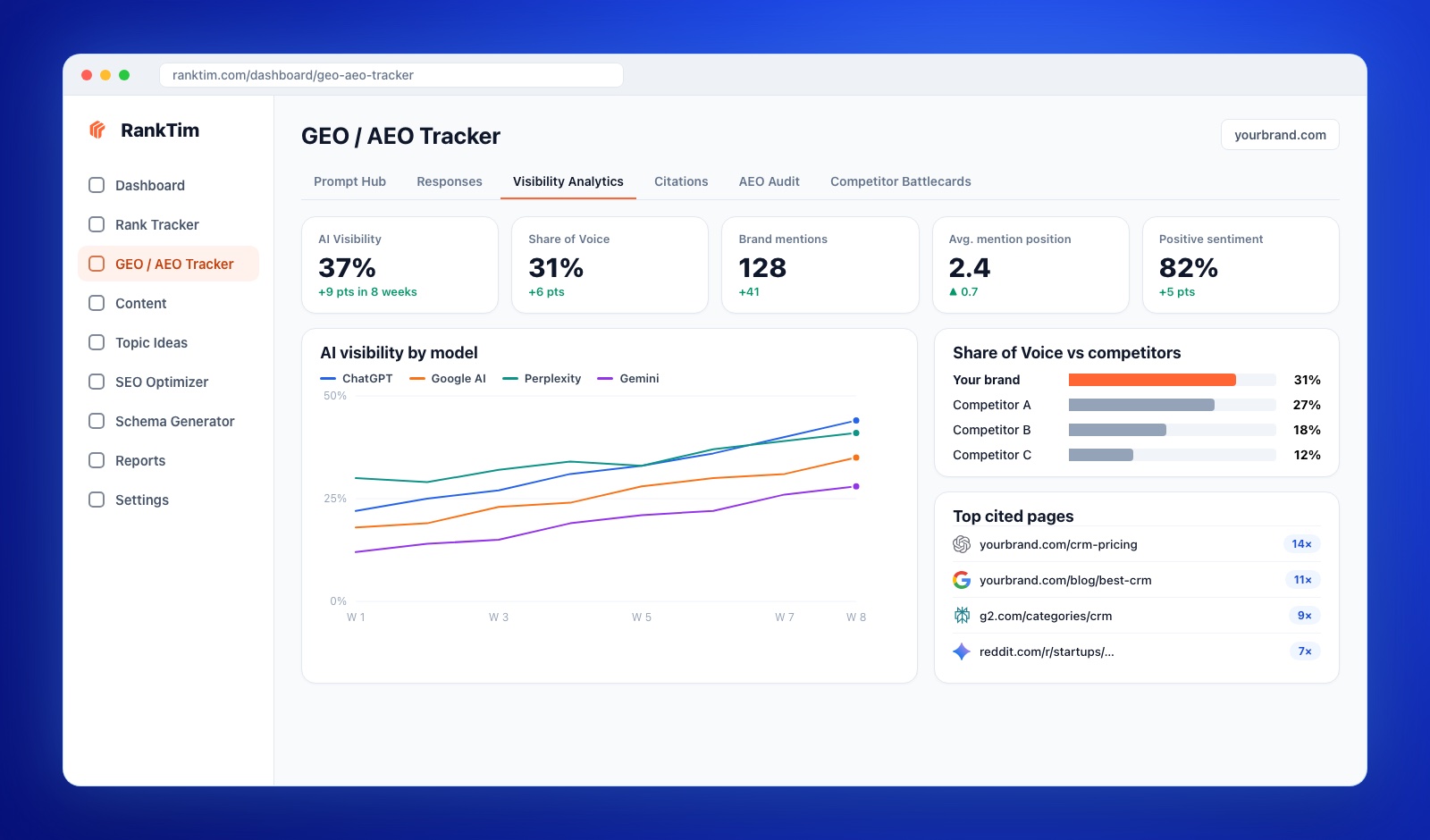
Our step-by-step guide on tracking your brand in ChatGPT, Gemini and Perplexity shows the full setup.
Local AI Visibility Checklist
- Google Business Profile complete: specific category, services, hours, attributes, photos
- Bing Places and Apple Business Connect claimed and identical
- Review requests built into your customer process; every review answered
- Name, address and phone identical across website, maps, social and directories
- One page per service and location, with prices, hours and FAQs
- LocalBusiness schema in the server-rendered HTML, matching the visible data
- Mentions on the local sites AI cites for your prompts
- Local prompts tracked monthly, in your customers' language
Frequently Asked Questions
Does ChatGPT use Google Business Profile data?
ChatGPT does not publish exactly which sources it uses for local answers, and they can change. In practice, local recommendations draw on maps and business listings, review platforms, directories and websites. Keeping your data consistent across all of them is the safest approach.
How many reviews do I need to be recommended?
There is no fixed number. What matters is how you compare with the businesses competing for the same searches: rating, number of reviews, how recent they are and whether they mention the services people ask about.
Do "near me" keywords need to be on my website?
No. Adding "near me" to your pages doesn't help. Clear location information (address, city, neighbourhood, service area) and a complete Business Profile do.
I have several locations. What should I do?
Create one Business Profile and one detailed page per location, with unique content, photos and reviews, and use schema with a separate @id for each location.
Local customers still choose businesses they trust. The difference in 2026 is that the first recommendation often comes from an AI that has read everything about you. Make sure what it reads is complete, consistent and convincing.
Be the Business AI Recommends Nearby
RankTim tracks your Google rankings and your visibility in AI answers for local searches, so you know where you stand and what to fix first.
Start for Free
Catalin Dinca
Written by Catalin Dinca